
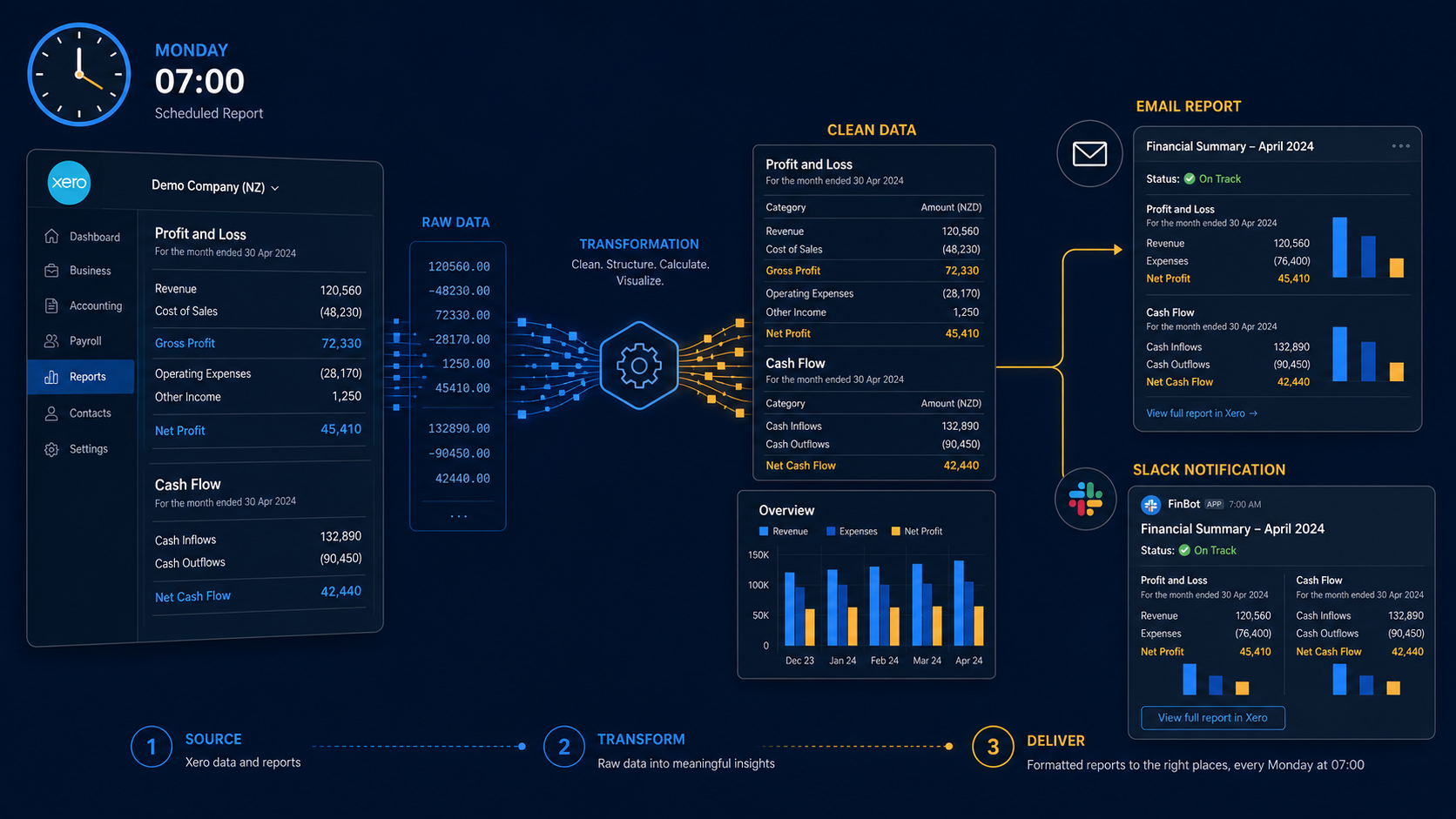
Quick scan before the full breakdown.
Goal
Deliver a weekly financial pulse to directors without manual Xero exports or spreadsheet formatting.
Stack
n8n, Xero API, Gmail API, Slack, JavaScript
Result
14 of 14 weekly reports delivered on schedule, with directors using the summary more consistently than the old PDFs.
Time saved
Saved the finance manager about 45-60 minutes every Monday.
An n8n workflow that pulls live financial data from Xero every Monday at 07:00, generates a structured P&L, cash flow summary, and budget variance report, and delivers it to the right people via email and Slack — without anyone opening Xero or running a manual export.
A UK-based service business with around £80K monthly revenue was using Xero for all accounting. Their management team — three directors — wanted a weekly financial pulse without logging into Xero themselves. The finance manager was spending about an hour every Monday morning pulling the same three reports, formatting them in Excel, and emailing a PDF to the directors.
The reports were always the same structure. The data was always in Xero. The hour spent was pure mechanical work.
They asked whether the Monday morning report could just arrive in their inbox by itself.
One n8n workflow triggered on a CRON schedule: every Monday at 07:00 UTC.
Step 1 — Authenticate with Xero
Xero uses OAuth2 with short-lived access tokens (30-minute expiry). n8n’s Xero node handles token refresh automatically using the stored refresh token. The workflow starts by verifying the connection is live before pulling any data.
Step 2 — Pull financial data
Three parallel branches fetch data simultaneously to keep total runtime under 15 seconds:
/api.xro/2.0/Reports/ProfitAndLoss with fromDate (first day of current month) and toDate (yesterday). Also fetches the same period for the prior year for comparison./api.xro/2.0/BankTransactions for the past 7 days, grouped by account. Alongside this, fetches /api.xro/2.0/Invoices?Statuses=AUTHORISED to show total outstanding receivables./api.xro/2.0/Reports/BudgetSummary — requires that the client has a budget set up in Xero, which this client did. Returns actuals vs budget by account for the current financial year to date.Step 3 — Transform and calculate
Xero’s API responses are XML-like JSON with nested Rows arrays. A JavaScript node in n8n flattens these into clean key-value objects and calculates derived metrics:
Step 4 — Generate the report
The transformed data is fed into an HTML template stored as an n8n variable. The template produces a clean, table-based email that renders correctly in Gmail, Outlook, and Apple Mail — tested across all three.
The email includes:
Step 5 — Deliver
The HTML email is sent via Gmail API (using the finance manager’s account as sender) to a distribution list of three directors. Simultaneously, a condensed Slack message posts the key numbers to a private #finance channel — for the directors who check Slack before email in the mornings.
Xero’s BudgetSummary endpoint returns data only if the selected financial year has a budget. If the budget isn’t set up, or if it’s a new financial year and the budget hasn’t been entered yet, the endpoint returns an empty response.
Rather than let this silently produce a broken report, the workflow checks whether the budget response contains data before building the variance section. If it doesn’t, the email replaces the variance table with a single line: “Budget data not available for this period. Please update the budget in Xero.” The directors requested this explicit flag rather than a hidden empty section.
Running for 14 weeks:
The HTML email template lives as a raw string in an n8n variable, which is awkward to maintain. A better approach is storing the template as a file on the VPS and reading it at runtime — easier to edit without touching the workflow itself.
The Slack message is a flat text block. Interactive Slack blocks with expand/collapse sections would let the directors drill into specific numbers without opening the email, which would make the Slack version genuinely useful rather than just a notification.
Want weekly financial reports delivered automatically from Xero, QuickBooks, or another accounting system? Get in touch.
Three nearby case studies worth reading next.
May 1, 2026
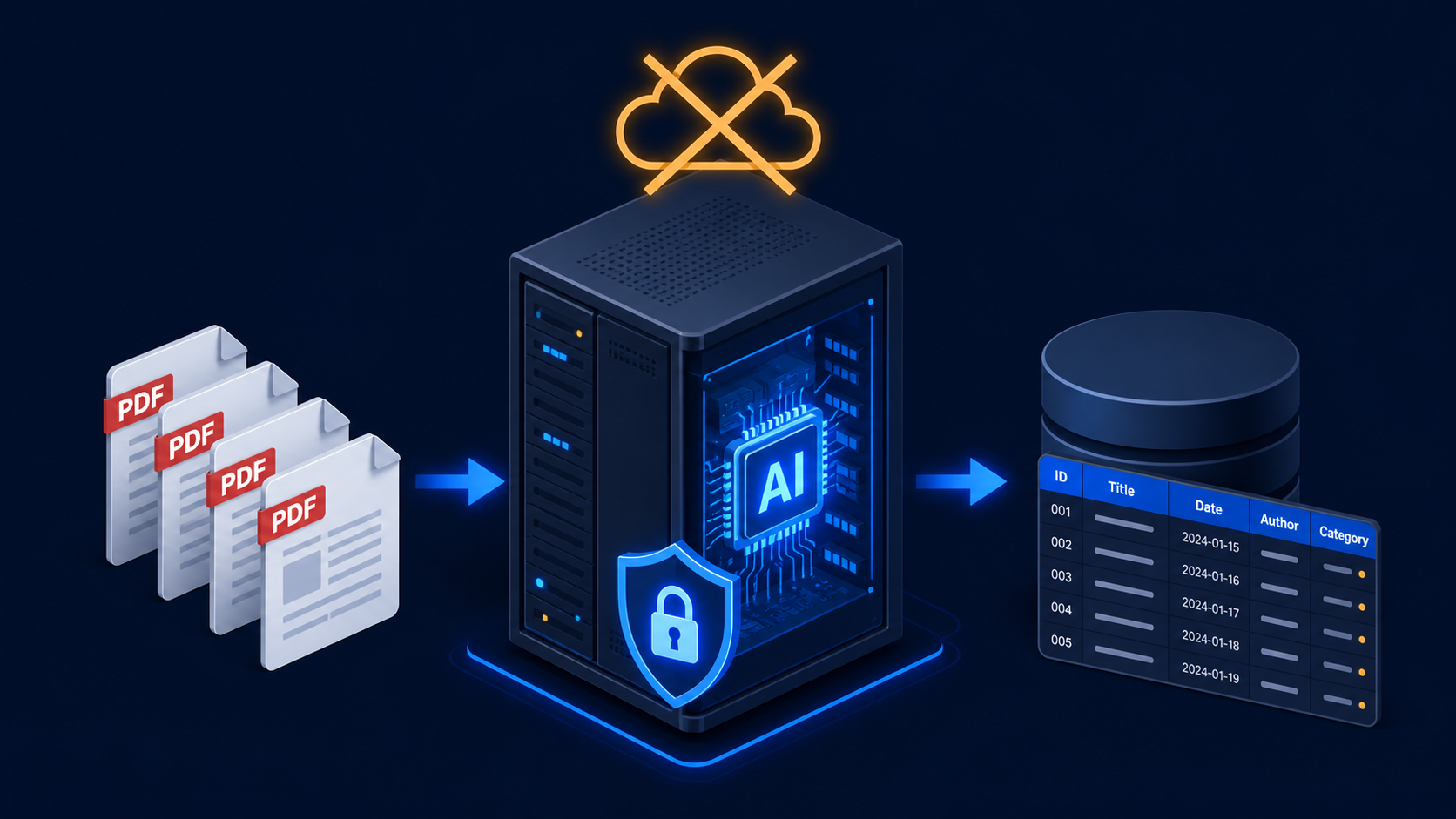
A fully local invoice processing pipeline using n8n, Ollama, LLaMA Vision, and on-premise OCR so supplier data never leaves the client's server.
May 1, 2026
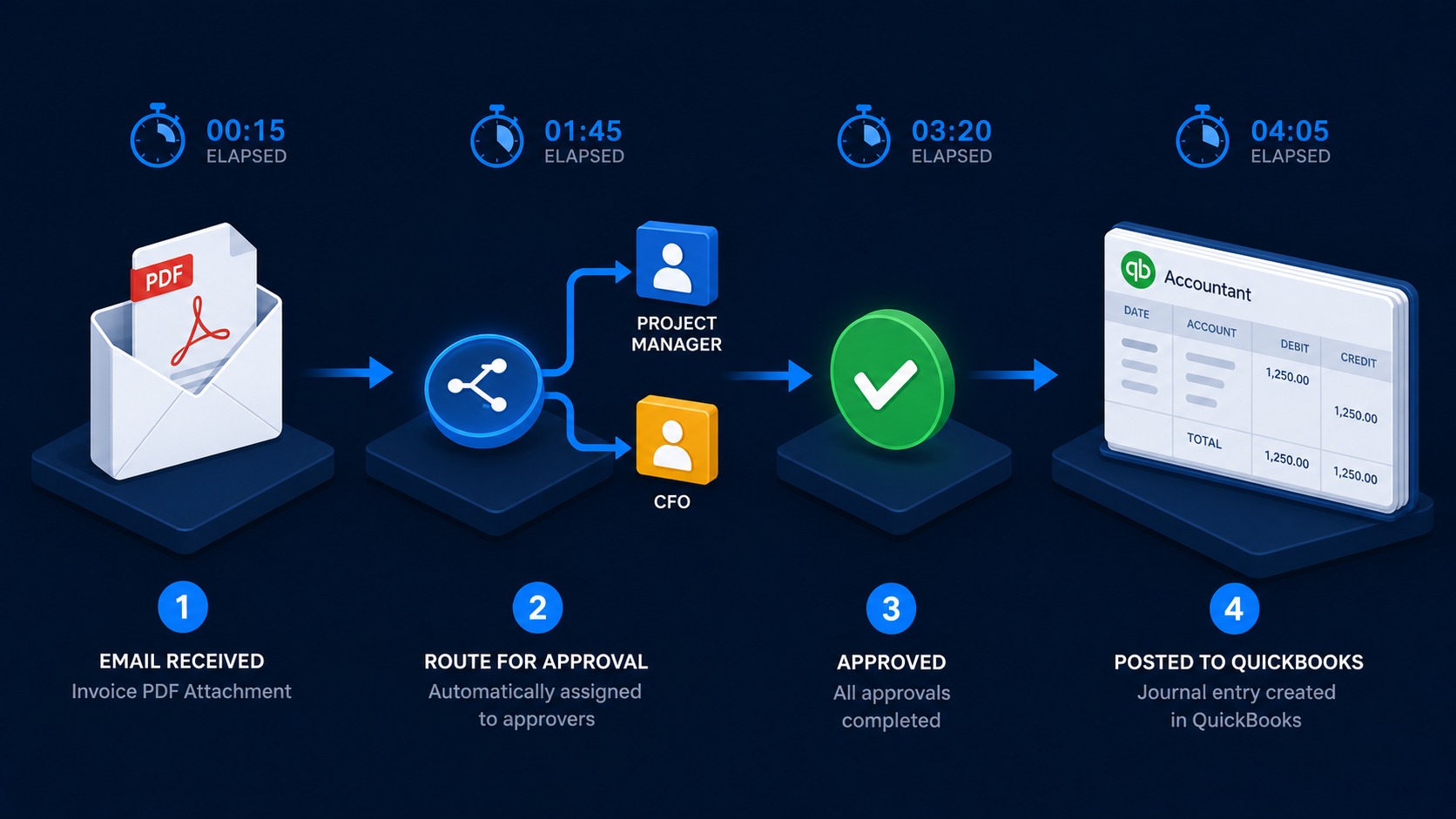
A four-workflow n8n accounts payable system that extracts invoices, routes approvals, escalates delays, and creates verified QuickBooks bills.
May 1, 2026
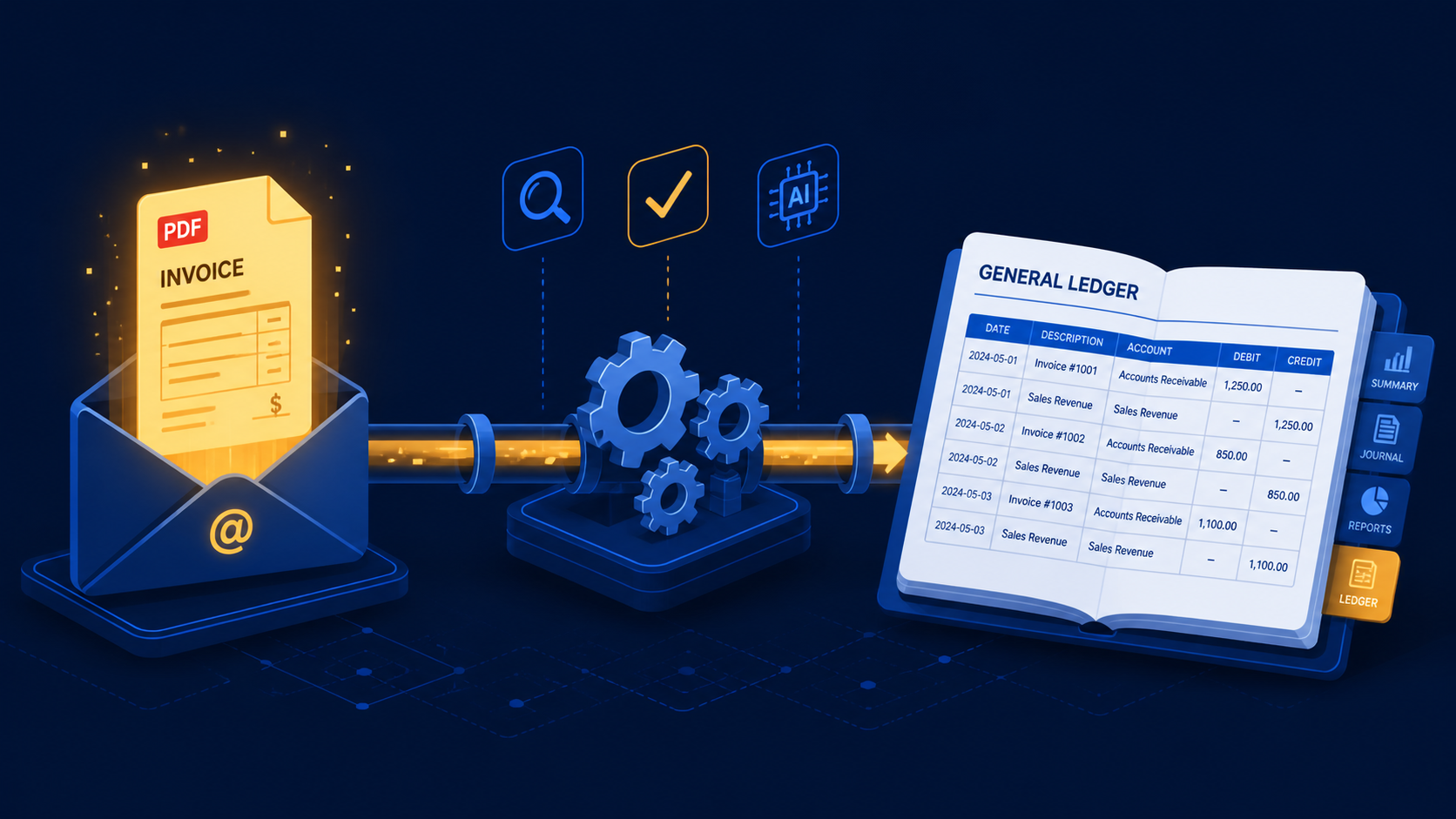
A three-stage n8n workflow that extracts supplier invoices from Gmail with Claude and books purchase mutations directly into e-Boekhouden.
If you have a manual workflow between tools, I can help map the logic, design the system, and automate it in a way your team can actually use.
