
Quick scan before the full breakdown.
Goal
Extract invoice data automatically while satisfying a strict no-cloud data policy.
Stack
n8n, Ollama, LLaMA 3.2 Vision, Gotenberg, ntfy, Linux
Result
89% of invoices processed automatically, with zero data leakage incidents and a passed security audit.
Time saved
Reduced outsourced data entry contractor hours by approximately 80%.
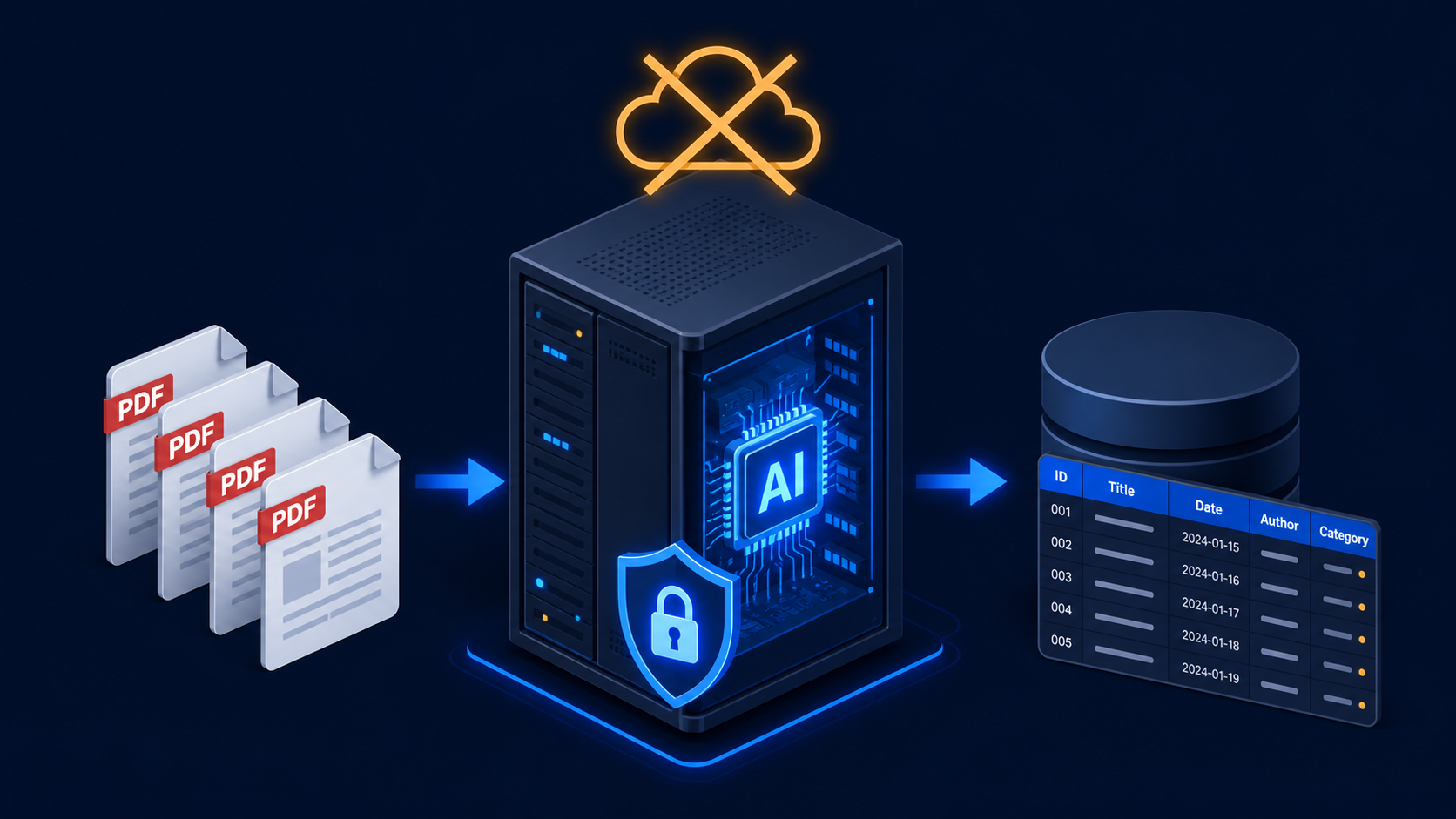
A fully local invoice processing pipeline built on n8n, Ollama, and an open-source OCR stack — extracting structured data from supplier invoices using a self-hosted LLaMA model, with no document ever leaving the client’s own server.
A Latvian manufacturing company processed 200–250 supplier invoices per month across multiple suppliers. Their security policy was explicit: no supplier invoice data — which included pricing, volumes, and supplier identities — was permitted to be sent to any external API or cloud service. This ruled out OpenAI, Claude, Google Vision, and any other hosted AI service.
At the same time, they wanted the same outcome as any other invoice automation project: extract vendor name, invoice number, date, line items, amounts, and VAT from PDF attachments and push the structured data into their ERP via webhook.
The constraint was simple and non-negotiable. Everything had to run on their own hardware.
The full stack runs on a single on-premise Linux server (Ubuntu 22, 32GB RAM, an NVIDIA RTX 3080 with 10GB VRAM). No external API calls, no cloud dependencies.
Component 1 — Ollama with LLaMA 3.2 Vision
Ollama is a local LLM runtime that handles model management, serving, and hardware acceleration. I installed it on the server and pulled llama3.2-vision:11b — an 11-billion parameter multimodal model that can process both text and images, runs comfortably on the available VRAM, and produces structured JSON output reliably when prompted correctly.
Ollama exposes a local REST API at http://localhost:11434, which n8n calls directly via the HTTP Request node. No internet connection required after the initial model download.
Component 2 — PDF to Image Conversion
LLaMA Vision expects image input, not raw PDFs. I deployed Gotenberg (a Docker-based PDF processing server) on the same machine. The workflow sends each invoice PDF to Gotenberg’s /forms/chromium/convert/url endpoint and receives a PNG of the first page. Multi-page invoices run each page through separately; in practice, 94% of invoices in this dataset fit on one page.
Component 3 — n8n Workflow
The ingestion trigger is a folder watcher — n8n monitors a network share directory every 2 minutes. New PDF files dropped into the folder (by the email client’s auto-save rule, or manually) trigger the workflow.
Steps:
/api/generate endpoint with the extraction promptarchived subfolder, rename it to YYYY-MM-DD_Vendor_InvoiceNumber.pdfComponent 4 — The Prompt
Getting consistent JSON output from a local model requires more careful prompting than with API models. The final prompt:
<image>
You are processing a supplier invoice. Extract the following fields and return ONLY a JSON object with no additional text.

Required fields:
- vendor_name (string)
- invoice_number (string)
- invoice_date (YYYY-MM-DD)
- currency (ISO 4217 code)
- subtotal (number, no currency symbol)
- vat_amount (number)
- total (number)
- line_items (array of objects with: description, quantity, unit_price, line_total)
- confidence (number 0.0 to 1.0, your confidence in the extraction accuracy)

If a field cannot be found, set it to null. Return nothing except the JSON object.
The <image> tag at the start signals to LLaMA that image input follows in the API request body. Without it, the model ignores the image.
Component 5 — Confidence Scoring and Human Review
The local model is less consistent than hosted APIs on unusual invoice layouts — handwritten amounts, non-standard table structures, low-resolution scans. The confidence threshold is set at 0.80. Below this, the invoice is copied to a review folder and a desktop notification fires on the finance team’s shared computer (via a simple webhook to a local ntfy instance).
A small HTML form — served from the same n8n instance on an internal URL — lets the reviewer correct the extracted fields and re-submit. Corrected submissions bypass Gotenberg and Ollama and go straight to the ERP webhook.
On the RTX 3080, LLaMA 3.2 Vision 11B processes one invoice page in 6–9 seconds. For 250 invoices per month, total GPU time is roughly 30–40 minutes — well within acceptable limits for a batch process.
Compared to a cloud API:
After 12 weeks in production:
LLaMA 3.2 Vision 11B was the right choice for available VRAM. If the server had 24GB VRAM, I would test LLaMA 3.2 Vision 90B — the larger model is meaningfully more accurate on degraded scans, which would push the automatic processing rate closer to 95%.
The folder watcher trigger is simple but fragile — if n8n goes down, files accumulate silently. A better trigger is a filesystem event listener that pushes to n8n’s webhook, reducing polling lag and making missed files visible immediately.
Need invoice processing that never sends documents to the cloud? Get in touch.
Three nearby case studies worth reading next.
May 1, 2026
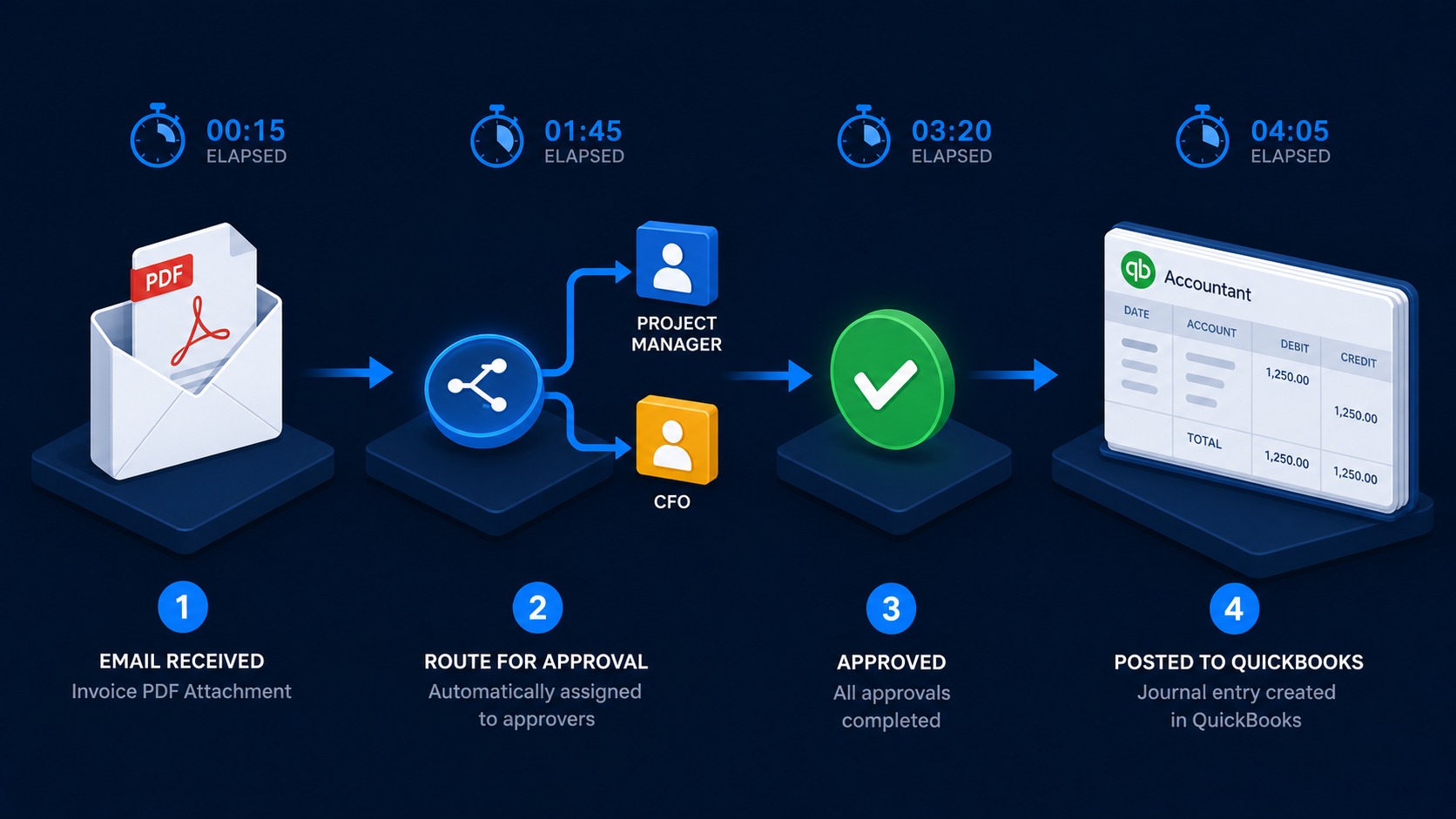
A four-workflow n8n accounts payable system that extracts invoices, routes approvals, escalates delays, and creates verified QuickBooks bills.
May 1, 2026
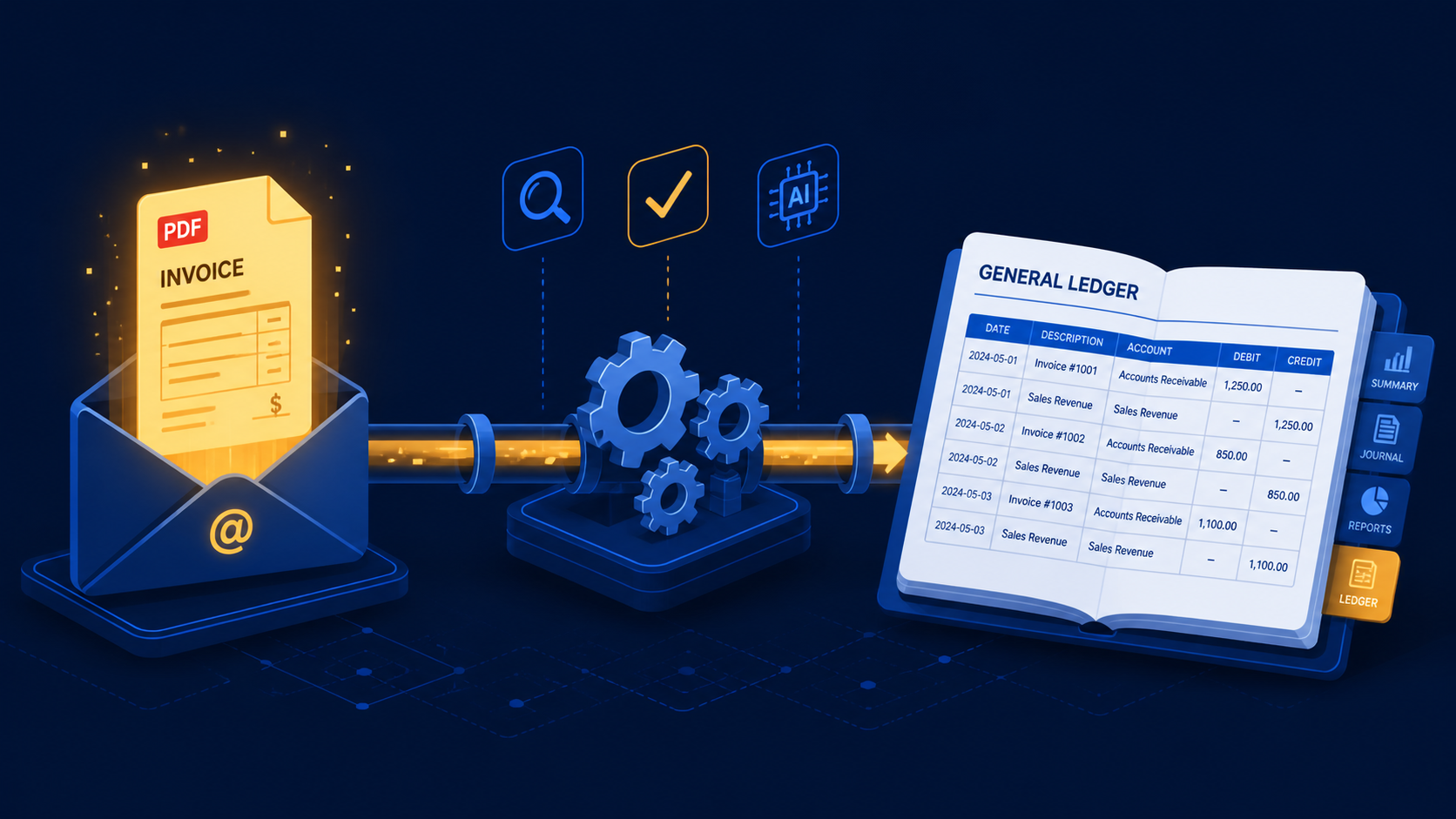
A three-stage n8n workflow that extracts supplier invoices from Gmail with Claude and books purchase mutations directly into e-Boekhouden.
May 1, 2026
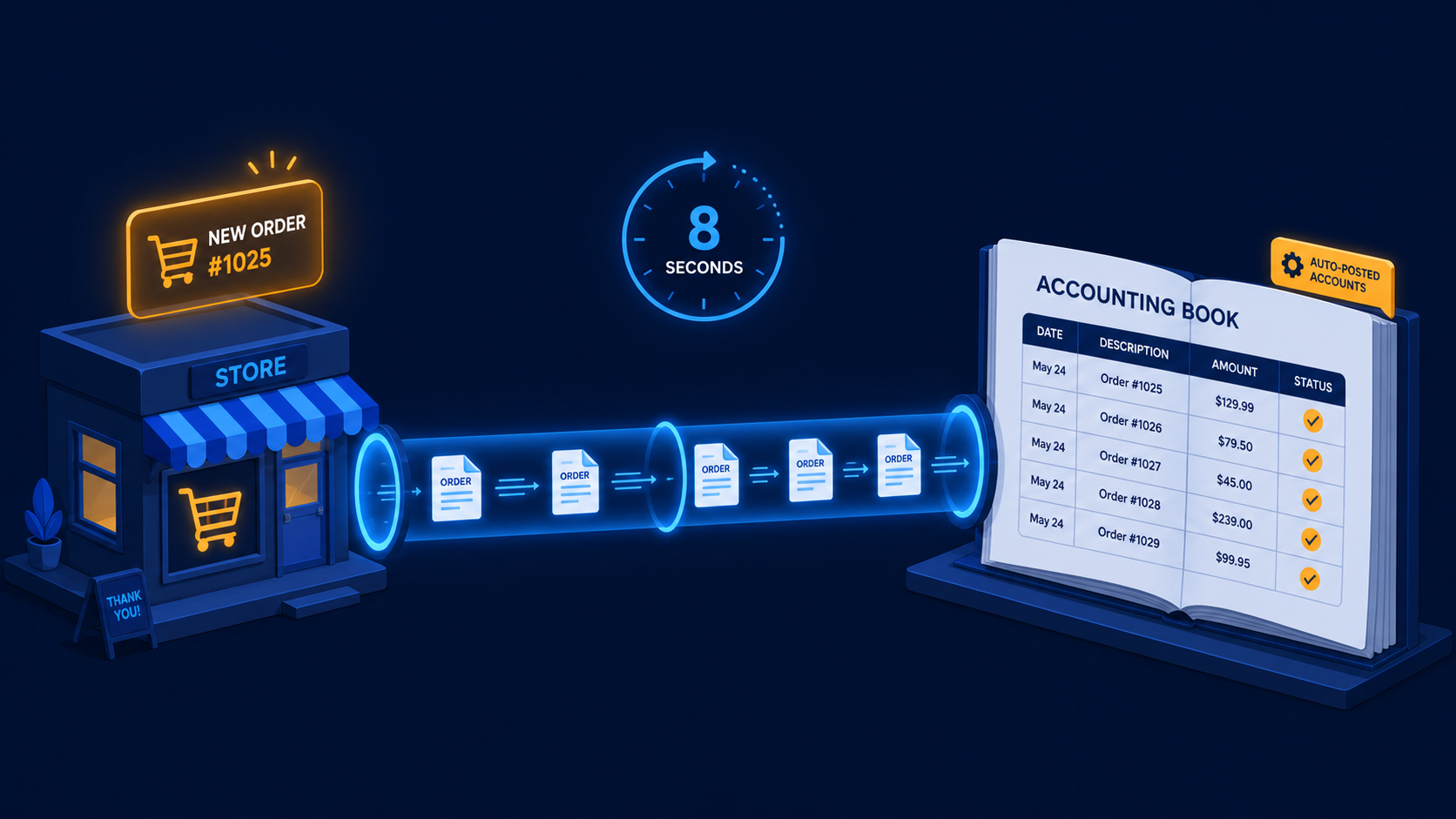
A two-workflow n8n system that turns paid WooCommerce orders and refunds into Moneybird invoices, payments, and credit notes automatically.
If you have a manual workflow between tools, I can help map the logic, design the system, and automate it in a way your team can actually use.
