

Quick scan before the full breakdown.
Goal
Make publishing automation articles feel simple enough to do regularly without opening a CMS or managing website admin work
Stack
Obsidian, Codex, GitHub, Vercel, Astro, Markdown
Result
A chat-driven publishing workflow where I provide the article text and image path, and the system packages, validates, syncs, builds, commits, and deploys the site
Time saved
Turns publishing into a short writing handoff instead of a manual CMS, formatting, image, git, and deployment routine
My role: System Designer, Writer, and Builder
This case is about my own publishing system for The Automation Detective.
I wanted to write more about automation. Not because I needed another content channel, but because writing is how I make my work clearer. Every project teaches something: where automation helps, where it breaks, where clients think the problem is technical but the real issue is the process itself.
The problem was not writing.
The problem was publishing.
Classic blogging tools always felt heavier than the actual article. Open the admin panel. Upload an image. Fix formatting. Check the URL. Preview the page. Update metadata. Publish. Then hope nothing looks strange on mobile.
That friction is enough to kill a good habit.
So I built a different kind of publishing workflow. One that matches how I already think and work:
I write the article in a chat. I tell Codex where the photo is. Codex prepares the post or case study inside Obsidian, checks the image, syncs the content into the website, builds the site, commits the generated content, and pushes it to GitHub. Vercel sees the push and deploys the new page.
From my side, it feels like this:
Here is the article. The image is in Downloads. Put it on the site.
And the system handles the boring part.
The goal was simple: make blogging about automation pleasant enough that I would keep doing it.
That meant the system had to remove the parts that usually make publishing annoying:
But it also had to stay safe.
I did not want a system that blindly publishes whatever I paste into a chat. That would be fast, but fragile. I wanted a controlled workflow where the article still has structure, the image exists, frontmatter is valid, and the site is built before anything reaches production.
The target experience was not “AI writes everything for me.”
The target experience was:
I write. The system publishes.
A normal content management system is useful when many people need to log in, edit pages, approve drafts, and manage content through a visual interface.
That is not my situation.
I am one person writing technical and operational articles. My content is mostly text, images, case studies, and internal links. I do not need a heavy admin layer. I need a reliable publishing pipeline.
For me, the ideal writing environment is Obsidian.
Obsidian is fast, local, simple, and based on Markdown. A blog post is just a text file. A case study is just a text file. I can keep the source content in the same place where I keep notes, drafts, ideas, and project thinking.
That matters because writing becomes part of the work, not a separate website task.
The site itself is built with Astro. The content is stored as Markdown files. GitHub stores the code and synced content. Vercel deploys the website automatically.
This gives me the benefits of a static website:
But it still leaves one question:
How do I make publishing feel easy?
That is where Codex enters the workflow.
I built an Obsidian-first publishing workflow for blog posts and case studies.
There are three source folders inside Obsidian:
posts for blog postscases for case studiesimages for shared article imagesThese are the human-facing folders. This is where the real content lives.
The website repository has its own generated copies:
src/content/blogssrc/content/casespublic/blog-imagesThat distinction is important.
I do not edit published content directly in the website repository. The source of truth is Obsidian. The repo copy is output. It exists so Astro can build the site and Vercel can deploy it.
The system is designed around this rule because it prevents content drift. If I edit a blog post in one place and the site uses another copy, eventually the two versions will disagree. Obsidian-first keeps the editorial process clean.
The finished workflow is intentionally simple from my side.
For a new blog post, I can write something like:
I have a new post. Here is the text. The photo is in Downloads as
IMG_3791.JPG. Rename the photo yourself, put it in Obsidian, prepare the post, and publish it.
Then Codex does the operational work.
For a case study, the flow is similar:
Turn this into a case study for the site. Mention Obsidian, Codex, Vercel, and explain the process for nontechnical people.
The important thing is that the handoff is natural. I do not need to describe every file path every time. The rules are already documented in the project:
posts foldercases folderimages folderThat means the system has memory in the practical sense: not emotional memory, but operational memory. The instructions live in the project. Future sessions can follow the same workflow.
For a nontechnical person, the easiest way to understand the system is to split it into roles.
Obsidian is where the article lives before it becomes a web page.
The post is stored as a Markdown file. Markdown is plain text with simple formatting. A heading is just a line starting with ##. A list is just a few lines starting with -.
This makes the source content durable and portable. It is not trapped inside a CMS editor.
Codex takes the raw instruction and turns it into the correct project structure.
It can:
This is not magic. It is a controlled set of steps.
The value is that I do not have to perform those steps manually every time.
GitHub stores the website code and the synced content.
Every publish creates a commit. A commit is a recorded snapshot of what changed: a new post, a new image, an updated case study, or a workflow fix.
This gives the site a history. If something changes, I can see what changed and when.
Vercel watches the main branch of the GitHub repository.
When new content is pushed, Vercel automatically builds and deploys the site. I do not log into a hosting panel. I do not upload files by hand. I do not restart a server.
The website updates because the repository changed.
Astro is the site framework.
It reads the Markdown content, applies the layouts, creates the blog pages, case pages, archive pages, sitemap, metadata, and static output.
In simple terms: Obsidian stores the article, Astro turns it into a website page, and Vercel puts that page online.
The most important part of this system is not speed. It is the safety layer.
Fast publishing is easy to build badly. A script can copy files, commit them, and push them. That is not enough.
The system now checks several things before content reaches production:
This matters because the main risk in automated publishing is not that nothing happens. The risk is that the wrong thing happens quietly.
For example, if an image filename is wrong, the sync should fail before publishing. If a previous publish stopped halfway, the next publish should clean the temporary worktree and start from a known state. If the website build fails, the content should not be pushed as if everything is fine.
That is why I treat the publishing flow as an automation system, not just a convenience script.
The biggest improvement is psychological.
When publishing is heavy, every article becomes a project. You start thinking about the admin work before you even finish the idea.
When publishing is light, writing feels closer to thinking.
I can write a short automation reflection, paste it into the chat, point to the image, and ask Codex to prepare it. If it is a blog post, it goes into the blog. If it is proof of work, it becomes a case study. If it needs a better title or description, that gets packaged into the frontmatter.
The system does not remove my judgment. It removes repetitive handling.
That is the difference between useful automation and fake automation.
Useful automation does not replace the part where taste, context, and responsibility matter. It removes the mechanical work around that part.
The public site looks simple:
That simplicity is the point.
The reader does not need to know that behind one article there was a chain of Obsidian files, image validation, Markdown frontmatter, sync scripts, Astro build output, GitHub commits, and Vercel deployment.
They just need the page to load quickly, look clean, and be readable.
The system hides the operational complexity from the reader and from me.
Before this workflow, publishing felt like switching roles.
First I was the writer. Then I became the editor. Then the CMS operator. Then the developer. Then the deployment person.
Now the roles are separated more cleanly.
I stay mostly in the writer and reviewer role. Codex handles the packaging and operational steps. GitHub records the change. Vercel deploys the site.
That makes the whole process easier to repeat.
And repeatability is the real value here.
A blog does not grow because one article was published perfectly. It grows because publishing becomes sustainable.
This is not a fully autonomous content machine.
I am not trying to build a system that writes random articles, chooses images, publishes them, and pretends that activity is strategy.
The workflow starts with a human idea. I write the text or provide the raw material. I decide what belongs on the site. I decide whether it is a post or a case study. I decide whether the final result is good enough.
The automation handles the publishing path after that decision.
That boundary is important.
Automation should make the right behavior easier. It should not remove responsibility for the output.
The system now gives me a practical publishing flow for The Automation Detective.
The operational result is clear:
The business result is more important:
publishing no longer feels like website administration.
It feels like part of the writing process.
That means I can publish more consistently about automation, show real work through case studies, and keep the site alive without turning every article into a technical chore.
I designed the workflow, structured the Obsidian content model, built and hardened the sync and publish process, wrote the operating rules, tested the failure cases, and connected the editorial habit to the deployment pipeline.
The key design decision was to keep Obsidian as the source of truth and treat the website repository content as generated output.
That one rule makes the whole system easier to reason about.
This kind of system is useful if you want a serious website and blog, but you do not want the daily friction of a heavy CMS.
It is especially useful for:
The point is not to make the website complicated.
The point is to make publishing simple enough that it actually happens.
If you need a website like this, reach out.
Related short note: The website you actually deserve.
Three nearby case studies worth reading next.
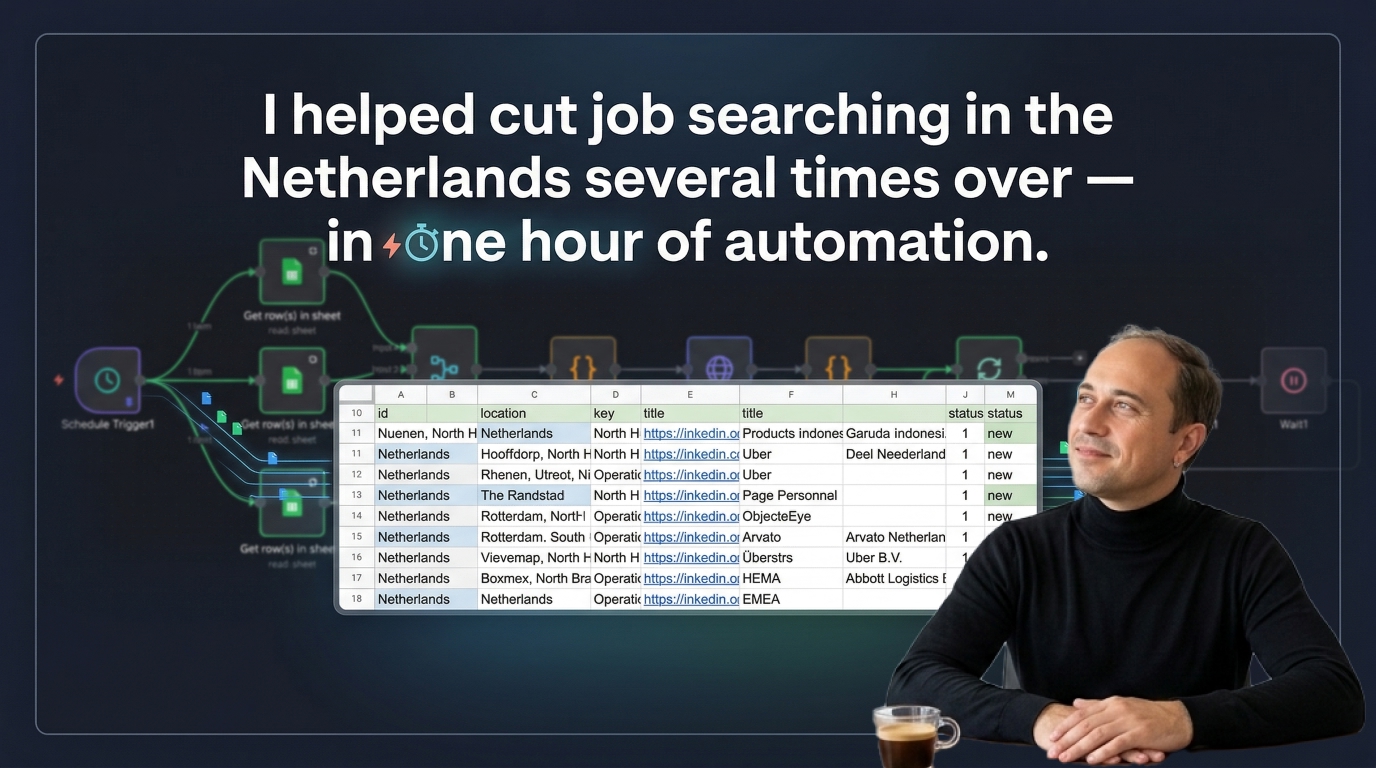
Apr 10, 2026
An n8n workflow that searches fresh LinkedIn vacancies, checks companies against the IND recognized sponsor register, removes duplicates, and writes application-ready leads into Google Sheets.
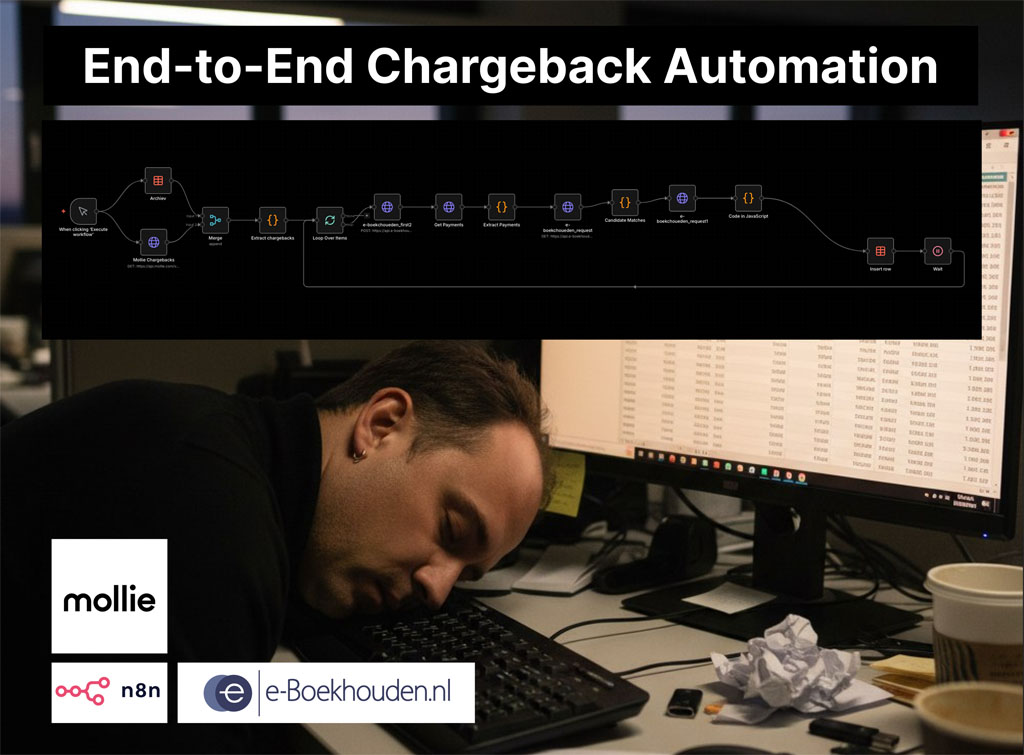
Apr 4, 2026
A two-workflow n8n system that matches Mollie chargebacks to the correct e-Boekhouden mutations and creates the accounting entries automatically.
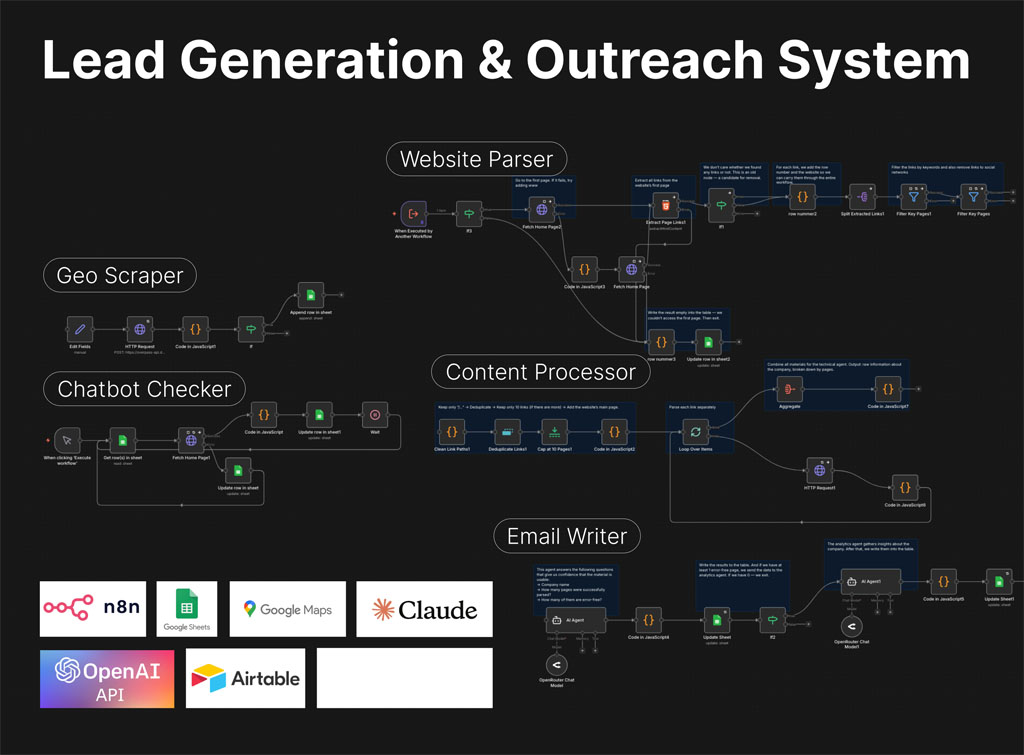
Apr 3, 2026
A Slack-controlled prospecting system that collects leads, analyzes websites, qualifies opportunities, and generates personalized outreach emails with minimal manual work.
If you have a manual workflow between tools, I can help map the logic, design the system, and automate it in a way your team can actually use.
