
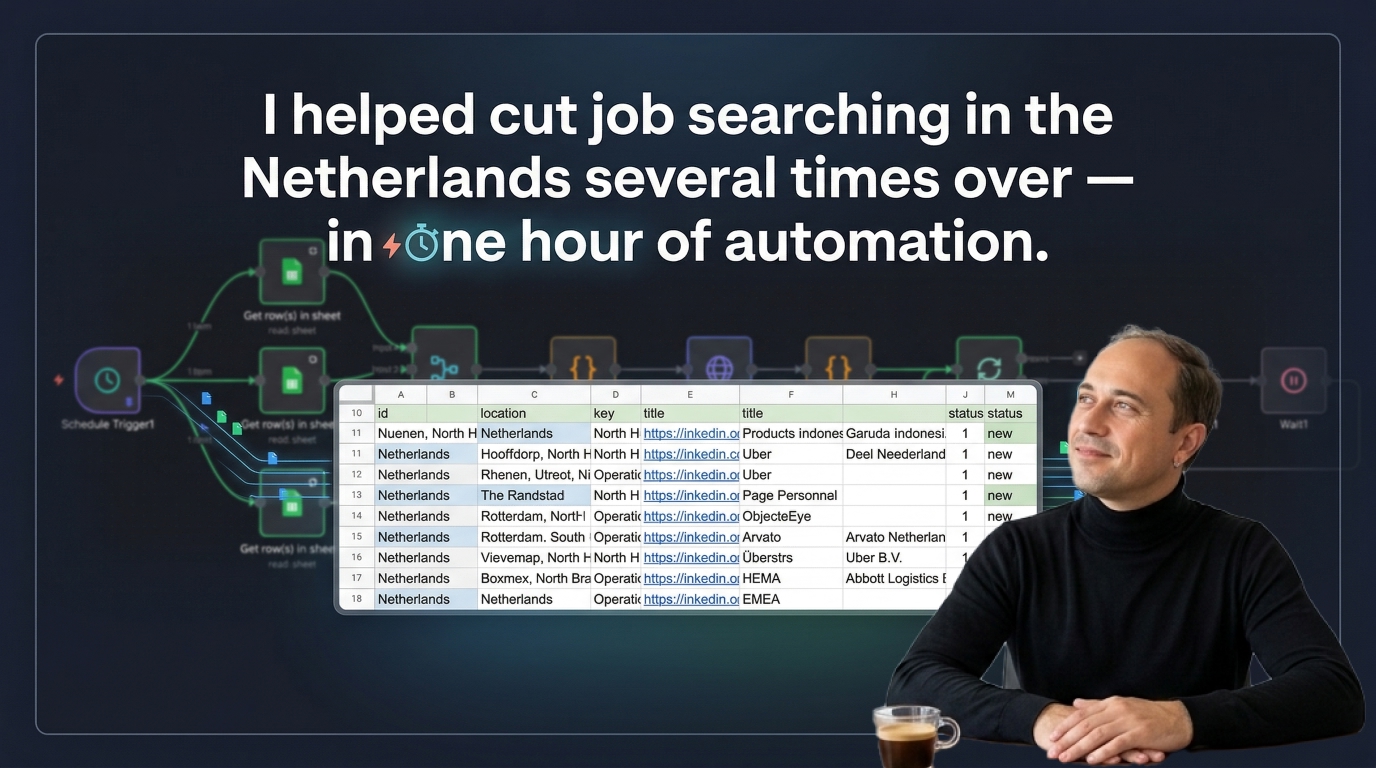
Quick scan before the full breakdown.
Goal
Reduce the manual effort of finding fresh vacancies in the Netherlands and checking whether employers can sponsor kennismigrant candidates
Stack
n8n, Apify, Google Sheets, Telegram, Claude, OpenAI API
Result
One Telegram message can return up to 200 filtered vacancies with duplicate control and sponsor-list checks
Time saved
Removes repetitive search, copy-paste, and sponsor verification work from each application round
My role: System Architect & Builder
I built a job search workflow for someone in the Netherlands who needed to find suitable vacancies quickly during her zoekjaar period and focus only on companies that could realistically hire her through the kennismigrant route.
Instead of manually searching LinkedIn, checking every employer against the IND recognized sponsor register, and copying vacancies into a tracking sheet one by one, she can now trigger the process with a simple Telegram message and review a ready-made list of filtered roles.
Video walkthrough: Watch on YouTube
The process needed to reduce the most repetitive parts of the search:
This matters because people in this situation often need to send a high volume of applications, and the sponsor check alone adds a large amount of manual overhead.
I designed a Telegram-triggered n8n workflow that starts from search parameters stored in Google Sheets.
The sheet acts as the control layer for:
Once triggered, the workflow:
The workflow combines three practical layers.
The search starts from a role keyword such as Operations and requests vacancies posted within a recent time window.
This makes the system useful for fast-response job search, where timing matters and older vacancies are less valuable.
Each vacancy has its own ID.
Before processing new results, the workflow loads the IDs that have already been stored in the spreadsheet and excludes them immediately. That keeps the output clean across repeated runs.
I copied the full IND recognized sponsor register, around 12,000 companies, into a spreadsheet and used that as the comparison layer.
For each vacancy, the workflow tries to match the employer name against that register and records the result:
1 if the employer appears to be a recognized sponsor0 if no useful match is foundIn most cases, the matching works well and removes a large amount of repetitive manual checking.
There are still edge cases where string matching can produce false positives, so the final shortlist is reviewed visually before applications are sent. That tradeoff is still far more efficient than checking every company manually from scratch.
The system works as a practical filtering and collection layer for a difficult job search process.
Instead of collecting vacancies manually and then checking each company one by one on the IND website, the user now starts with a structured shortlist that is already enriched with sponsor-match signals.
That means more energy can go into reviewing roles, tailoring applications, and sending resumes instead of doing repetitive research and copy-paste work.
This workflow already stores the full vacancy descriptions, which makes the next automation steps straightforward.
Two useful extensions are:
That would turn the system from a vacancy collection workflow into a semi-automated application preparation pipeline.
I designed the workflow logic, structured the spreadsheet model, built the search and deduplication flow, prepared the sponsor verification layer, and packaged the process behind a simple Telegram trigger so it was easy to use in day-to-day job search.
Three nearby case studies worth reading next.
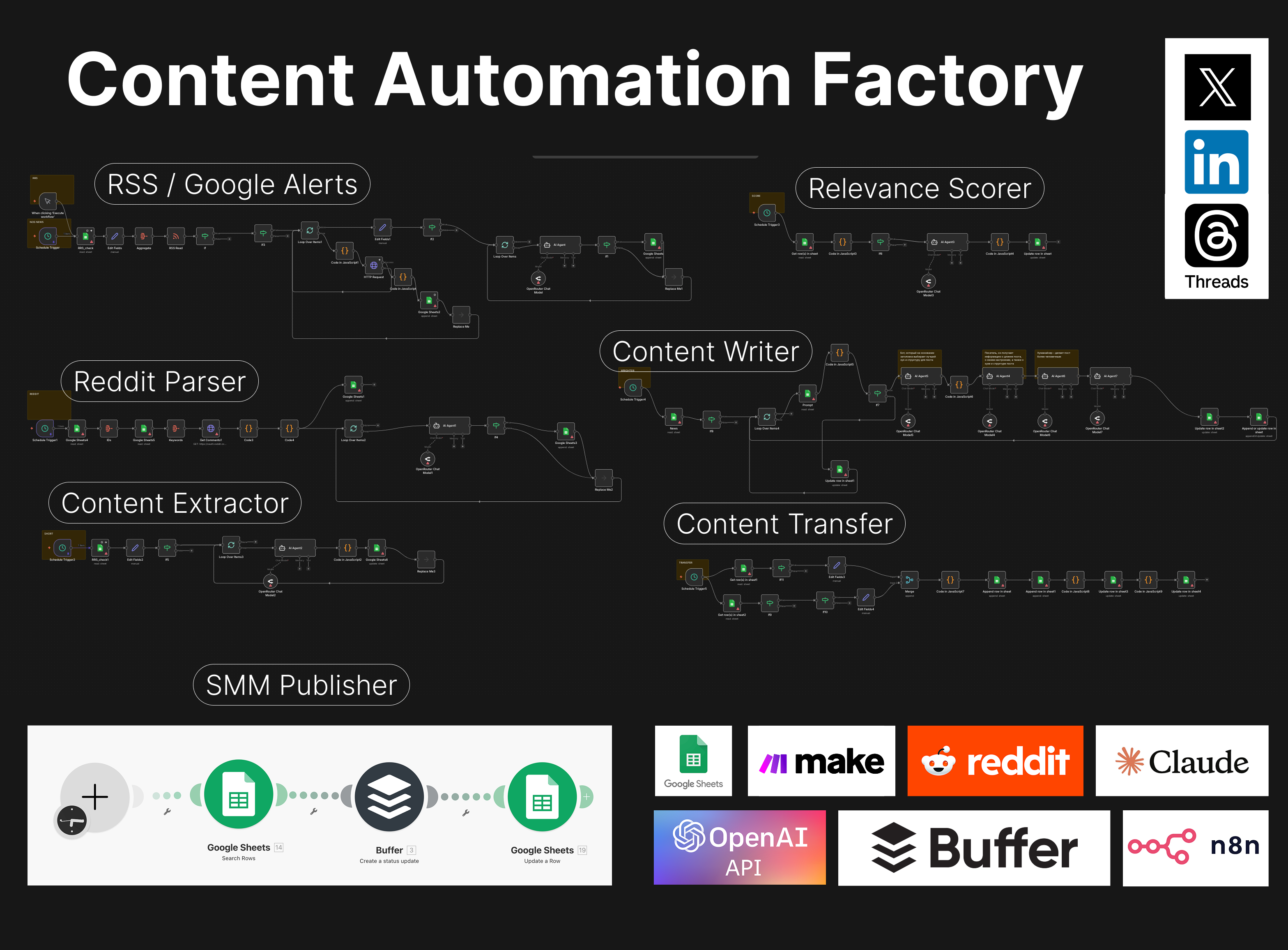
Apr 2, 2026
A multi-step n8n system that monitors AI news, filters relevance, extracts facts, drafts social posts, and sends only high-scoring content into the final publishing pipeline.
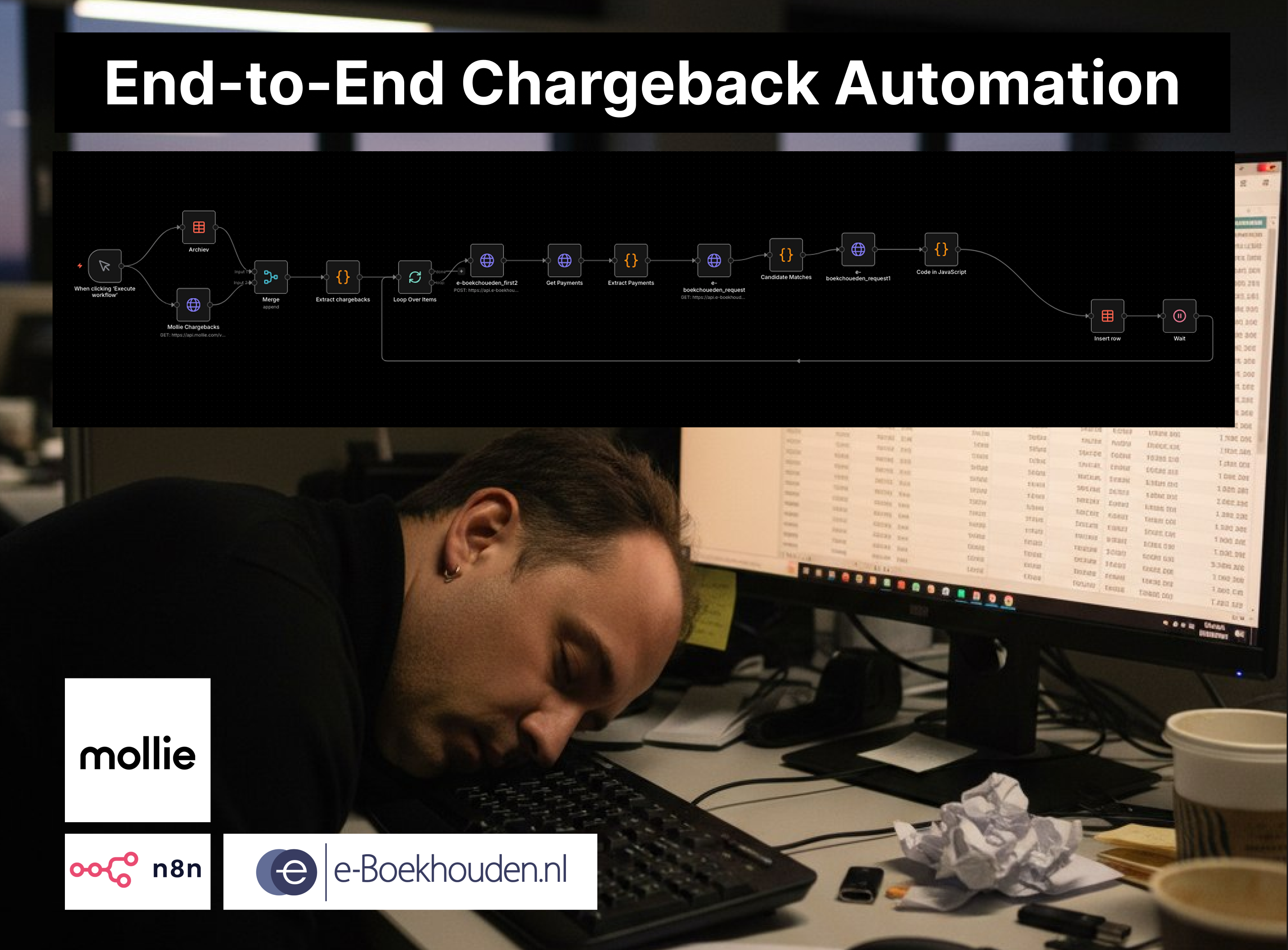
Apr 4, 2026
A two-workflow n8n system that matches Mollie chargebacks to the correct e-Boekhouden mutations and creates the accounting entries automatically.
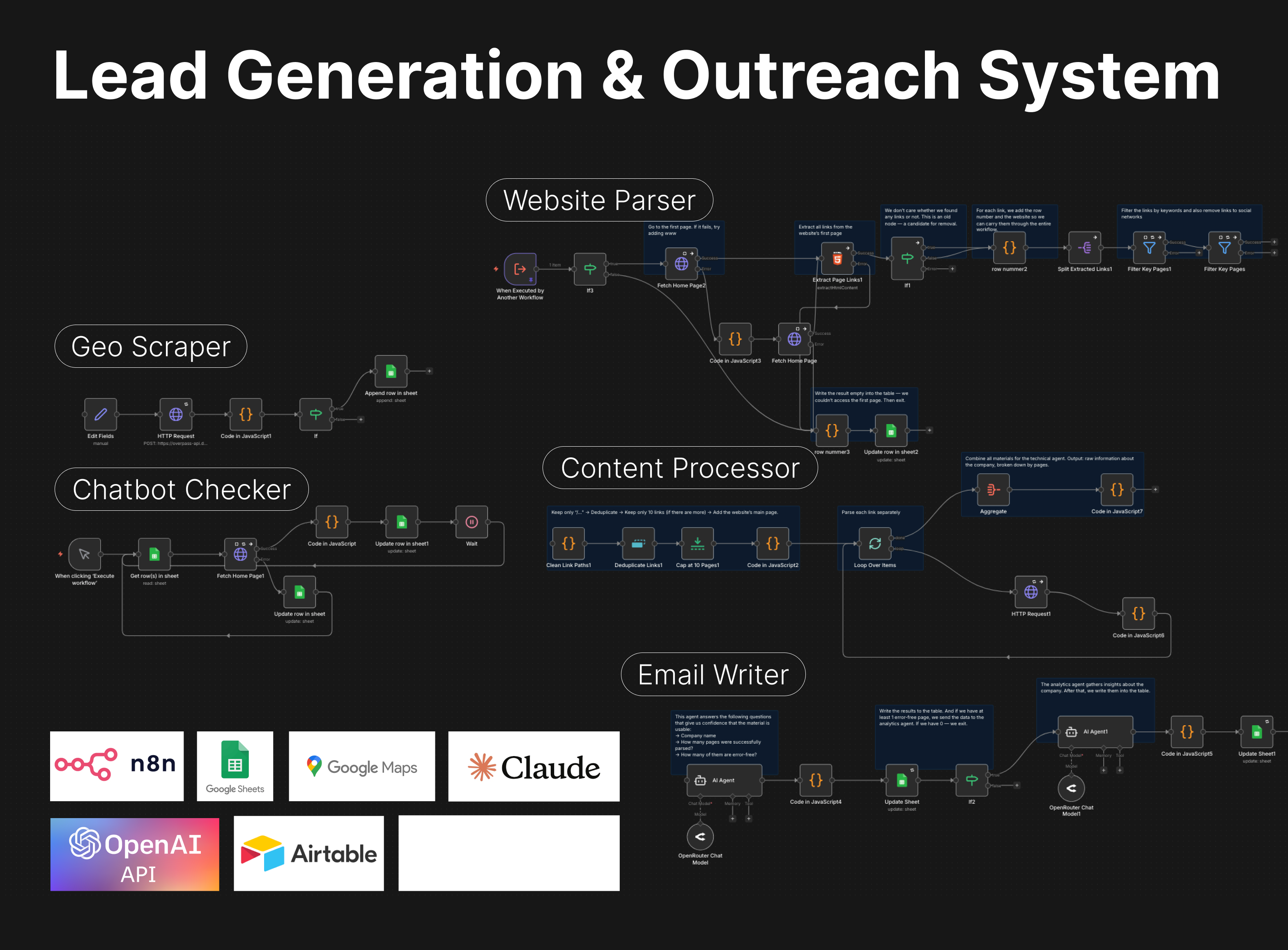
Apr 3, 2026
A Slack-controlled prospecting system that collects leads, analyzes websites, qualifies opportunities, and generates personalized outreach emails with minimal manual work.
If you have a manual workflow between tools, I can help map the logic, design the system, and automate it in a way your team can actually use.
