
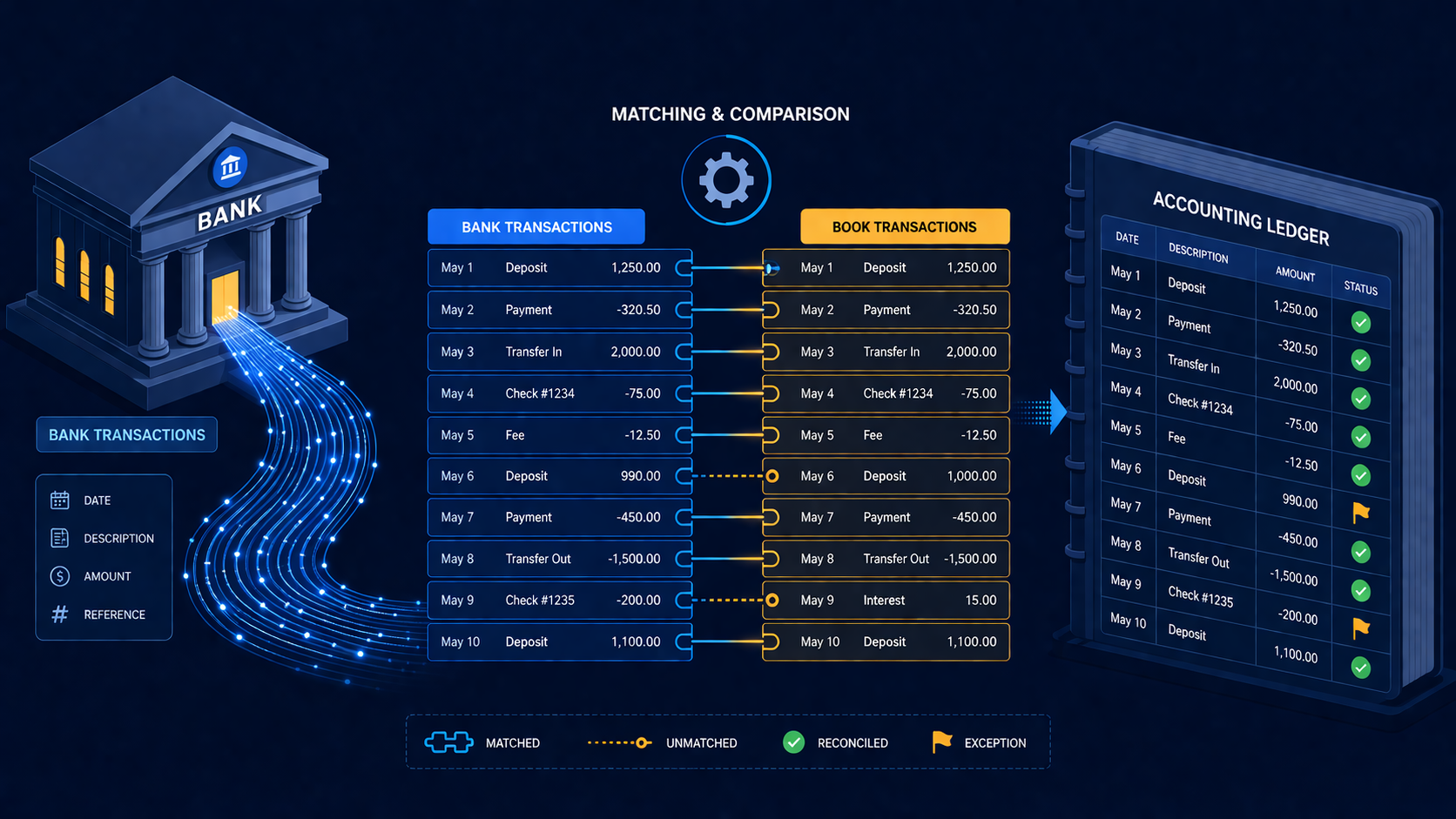
Quick scan before the full breakdown.
Goal
Move bank reconciliation from weekly manual exports to same-day automated matching and booking.
Stack
n8n, ING Open Banking API, Exact Online API, Google Sheets, Slack
Result
78% of transactions booked automatically, 14% routed for quick approval, and zero duplicate bookings in 8 weeks.
Time saved
Reduced reconciliation from 3-4 hours per week to about 20 minutes of exception review.
An n8n workflow that pulls daily bank transactions from ING via the Open Banking API, matches them against open purchase and sales invoices in Exact Online, and books the matched payments automatically — leaving only unmatched transactions for the bookkeeper to handle manually.
A mid-sized Dutch trading company processed around 300 bank transactions per month through their ING business account. All invoicing and bookkeeping ran in Exact Online. The reconciliation between the two happened manually, once a week, by comparing a bank export with Exact Online’s outstanding invoices list.
The process was slow (3–4 hours per week), error-prone (reference numbers in payment descriptions were often abbreviated or missing), and always a week behind. Disputes with suppliers about whether invoices had been paid were common because the bookkeeper’s Exact Online didn’t reflect reality until the weekly reconciliation run.
They wanted near-real-time matching — ideally transactions booked within the same day they appeared on the bank statement.
A single n8n workflow running on a schedule twice a day (08:00 and 16:00), plus a webhook endpoint for on-demand runs.
Step 1 — Fetch new transactions from ING Open Banking
ING provides a PSD2-compliant Open Banking API (api.ing.com). After completing the OAuth2 consent flow (which the client completed once during setup), the workflow fetches transactions for the previous 24-hour window using the /v3/accounts/{accountId}/transactions endpoint. The response includes creditorName, creditorAccount, remittanceInformationUnstructured (the payment description), transactionAmount, and bookingDate.
Only transactions with status: BOOKED are processed — pending transactions are skipped.
Step 2 — Fetch open invoices from Exact Online
The workflow calls the Exact Online REST API to get all open receivables (/api/v1/{division}/receivables/ReceivablesList) and open payables (/api/v1/{division}/payables/PayablesList). These include invoice number, relation name, amount, and due date.
Both lists are stored in memory for the matching step.
Step 3 — Matching logic
Each bank transaction is run through a matching pipeline:
Exact match on invoice number: scan the payment description for a pattern that matches a known invoice number format (configurable regex, e.g. F-2026-\d{4}). If found and the amount matches, it’s a confirmed match.
Fuzzy match on relation name: if no invoice number is found, compare creditorName / debtorName from the bank transaction against relation names in Exact Online using a simple normalized string comparison. If one relation matches and has exactly one open invoice of the correct amount, it’s a probable match.
Amount-only match: if a relation has multiple open invoices, check if the transaction amount matches exactly one of them. Flag as probable match, not confirmed.
Unmatched: everything else goes to the exceptions list.
Confirmed matches are booked automatically. Probable matches are sent to a Slack message with a pre-built approval button. Unmatched transactions are logged in a Google Sheet for the bookkeeper’s weekly review.
Step 4 — Book matched payments in Exact Online
For each confirmed match, the workflow POSTs to Exact Online’s /api/v1/{division}/cashflow/Receipts (for incoming payments) or /api/v1/{division}/cashflow/Payments (for outgoing), linking the bank transaction to the invoice. This closes the invoice and updates the outstanding balance in real time.
ING’s Open Banking API uses strong customer authentication — the consent flow requires the business owner to log in via the ING app once, approve access, and generate a refresh token. After that, the n8n workflow uses the refresh token to obtain new access tokens automatically.
The refresh token expires after 90 days. To handle this, I added a monitoring step: the workflow checks the token expiry date on every run and sends a Slack reminder 14 days before it expires, with a link to the re-consent page. Missing this would cause silent failures, so the reminder is non-negotiable.
After 8 weeks in production:
The company’s credit control team now has accurate outstanding balances every morning instead of once a week.
The fuzzy matching on relation names is the weakest part. “Hetzner Online GmbH” in the bank description versus “Hetzner” in Exact Online — a human spots the match immediately, but the string comparison misses it. Adding a simple embedding-based similarity check (or even just a manually maintained alias table) would push the automatic match rate from 78% to probably 88–90%.
Dealing with manual bank reconciliation in the Netherlands? Get in touch.
Three nearby case studies worth reading next.
May 1, 2026
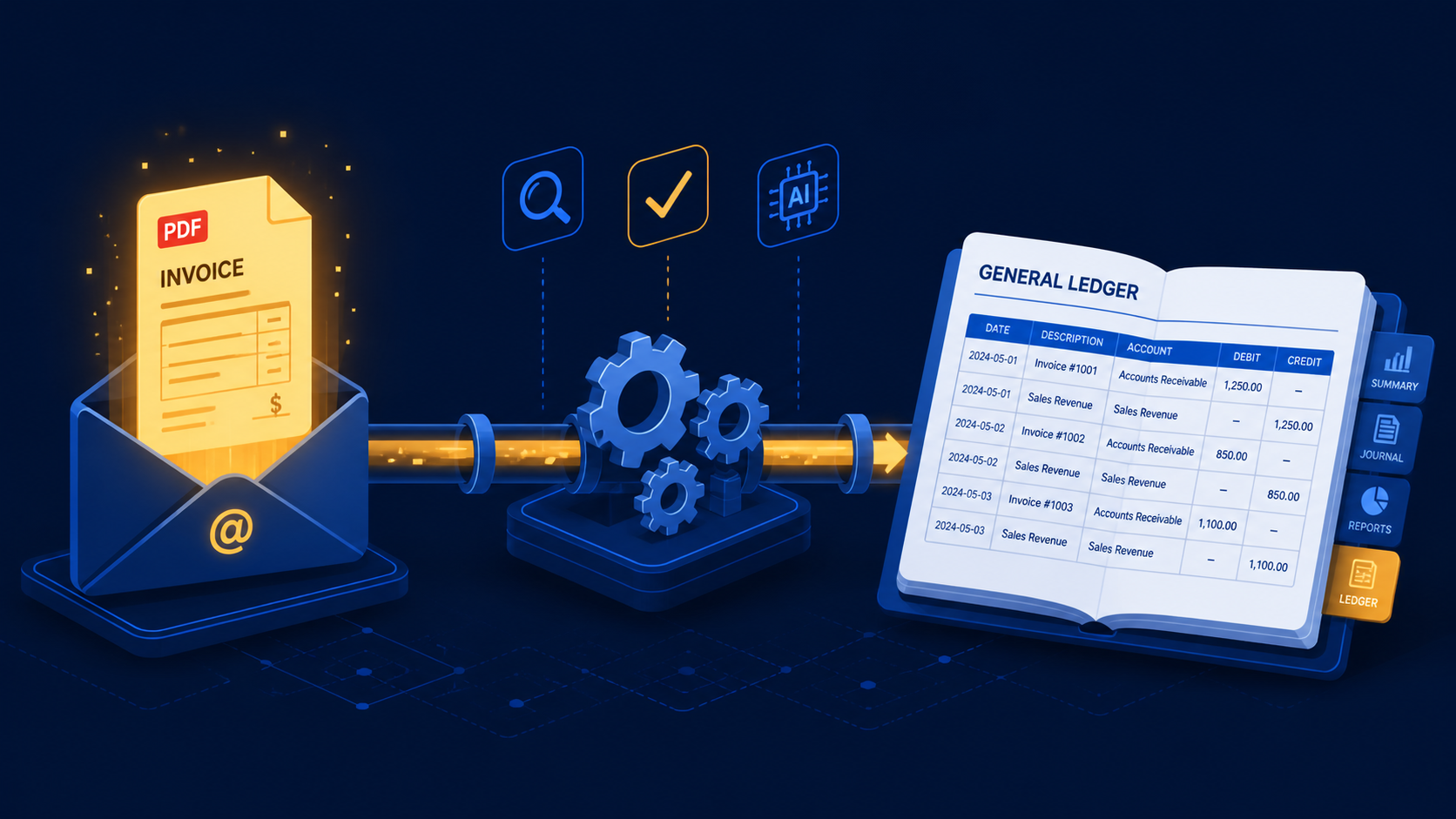
A three-stage n8n workflow that extracts supplier invoices from Gmail with Claude and books purchase mutations directly into e-Boekhouden.
May 1, 2026
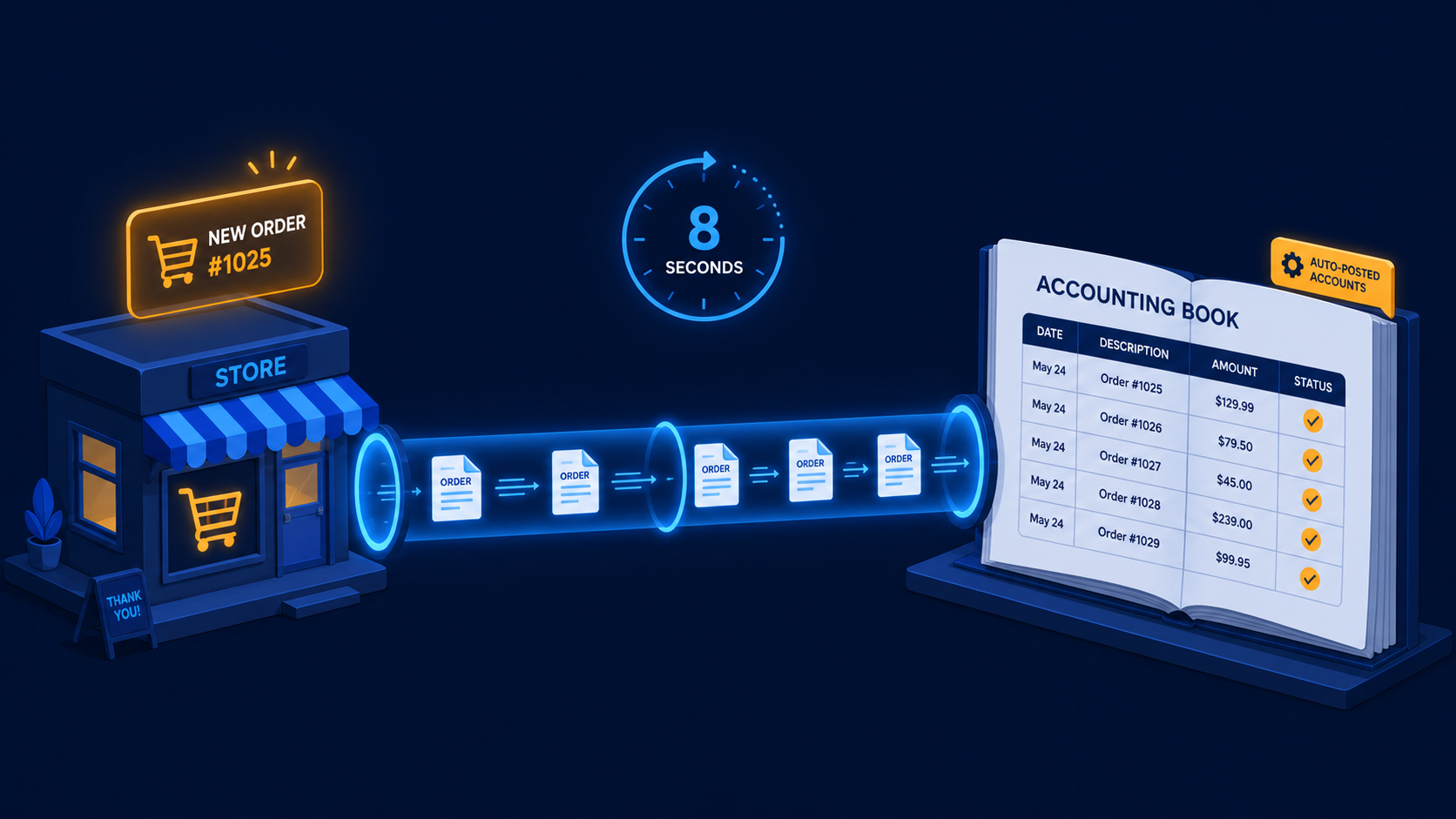
A two-workflow n8n system that turns paid WooCommerce orders and refunds into Moneybird invoices, payments, and credit notes automatically.
Apr 4, 2026
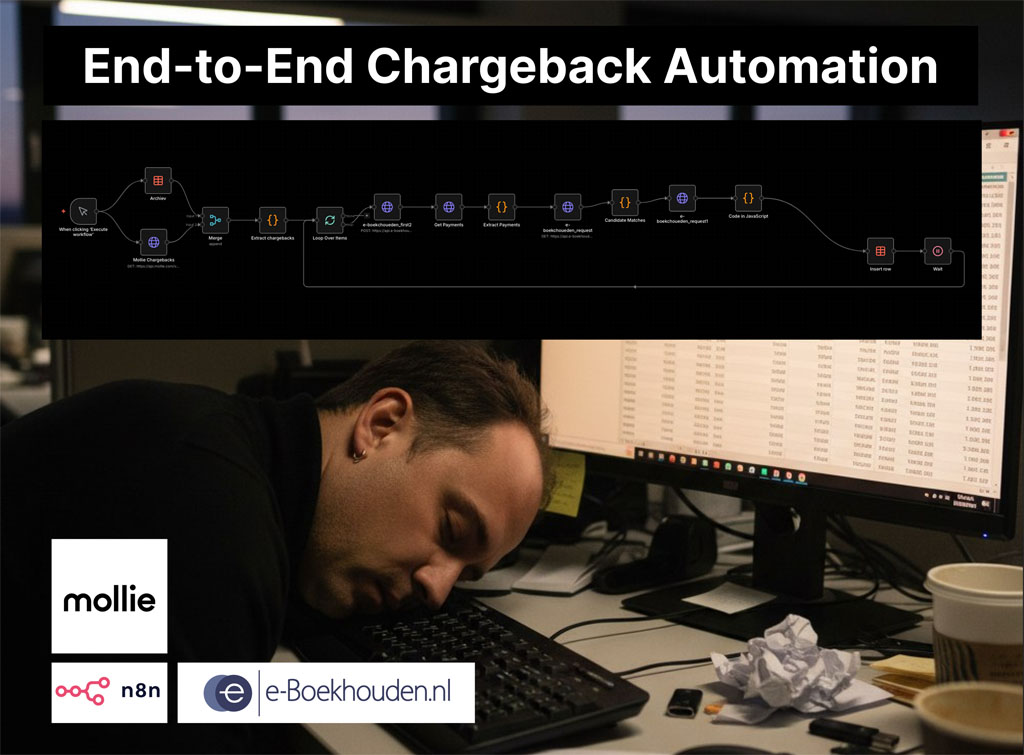
A two-workflow n8n system that matches Mollie chargebacks to the correct e-Boekhouden mutations and creates the accounting entries automatically.
If you have a manual workflow between tools, I can help map the logic, design the system, and automate it in a way your team can actually use.
