
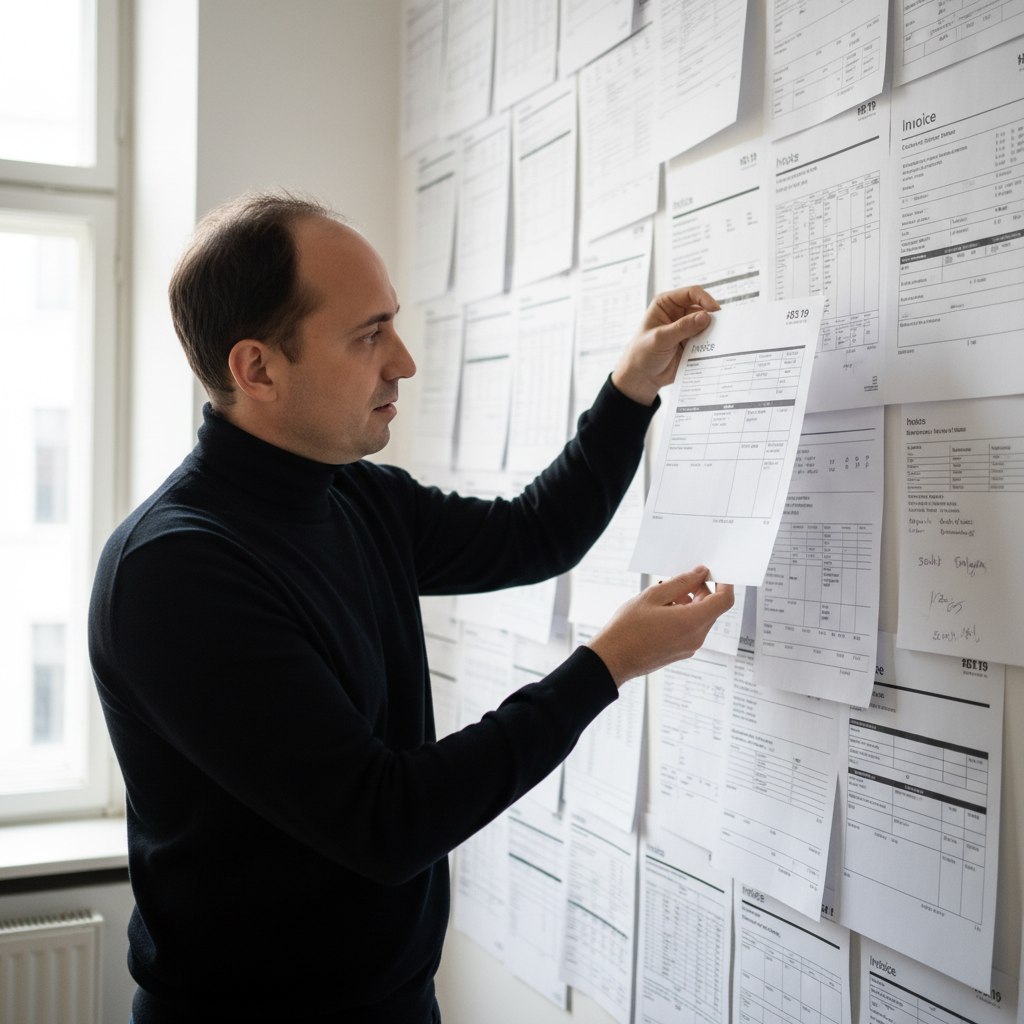
Extracting data from a PDF invoice takes about a day to build.
Getting it to work on all your invoices takes much longer.
The happy path is easy: clean PDF, standard layout, vendor name top left, total bottom right, date somewhere in the middle. A few hours to map the fields, a few more to test. Done.
Then you hit the real invoices.
The one where “total” means something different because it’s a progress billing. The credit note formatted identically to a regular invoice except for a minus sign buried in a footnote. The vendor who sends an Excel file and calls it an invoice. The supplier whose PDF is actually a scanned image and the OCR returns garbage.
I’ve built invoice processing workflows for Exact. Every time, the extraction model handles the clean cases well. The time goes into the interpretation layer: what does this field mean in context? Is this final or partial? Does this amount include VAT?
What ended up working: build a confidence score into the extraction. High confidence — process automatically. Low confidence — route to a short review queue with the fields pre-filled, so the person just needs to verify rather than re-enter.
The goal isn’t 100% automation. It’s that the 20% of invoices that need a human get there fast, with the right information, instead of failing silently and turning into a problem three weeks later.
Budget a day for the extraction.
Budget a month for the edge cases. They’re worth it.
Three nearby posts worth opening next.
May 2, 2026
AI in accounting is only as fast as the data behind it. I keep seeing the same pattern: clients who try Claude for bank reconciliation and find it slow — the problem is almost never the model.
Apr 4, 2026
I traced a chargeback workflow from Mollie to e-Boekhouden by hand, then turned that logic into an n8n workflow that closes most cases automatically.
May 5, 2026
Most close automation focuses on pulling data faster. The real bottleneck is almost always the approval routing — the back-and-forth that nobody mapped.
If you have a manual workflow between tools, I can help map the logic, design the system, and automate it in a way your team can actually use.
